


FlytBase
[%PLANS_ALL%]
Overview
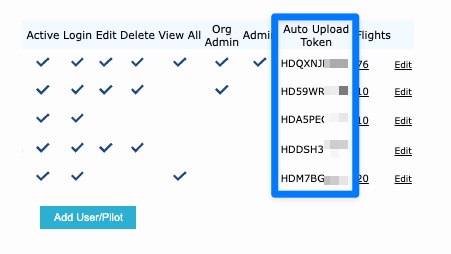
This article provides instructions on enabling automated uploads from your FlytBase account to AirData.To enable auto upload, provide your FlytBase representative with your team's AirData email addresses and Auto Upload Tokens.
If you have multiple pilots, this integration allows flights to be automatically assigned to the correct pilots.
Instructions
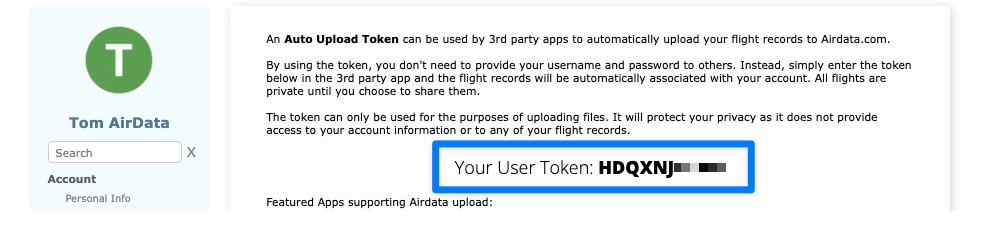
1. Retrieve your Auto Upload TokenPilots: To locate your individual AirData Auto Upload Token, head to app.airdata.com -> My Account -> Auto Upload Token.
You can copy this list of Tokens into a spreadsheet app like Microsoft Excel or Google Sheets.
3. FlytBase will enable auto upload on their back end.
| Comment Section | Sort by:
|


Please login to add a comment